FiveM HUD Performance: Update Loops, NUI Messages and Optimization
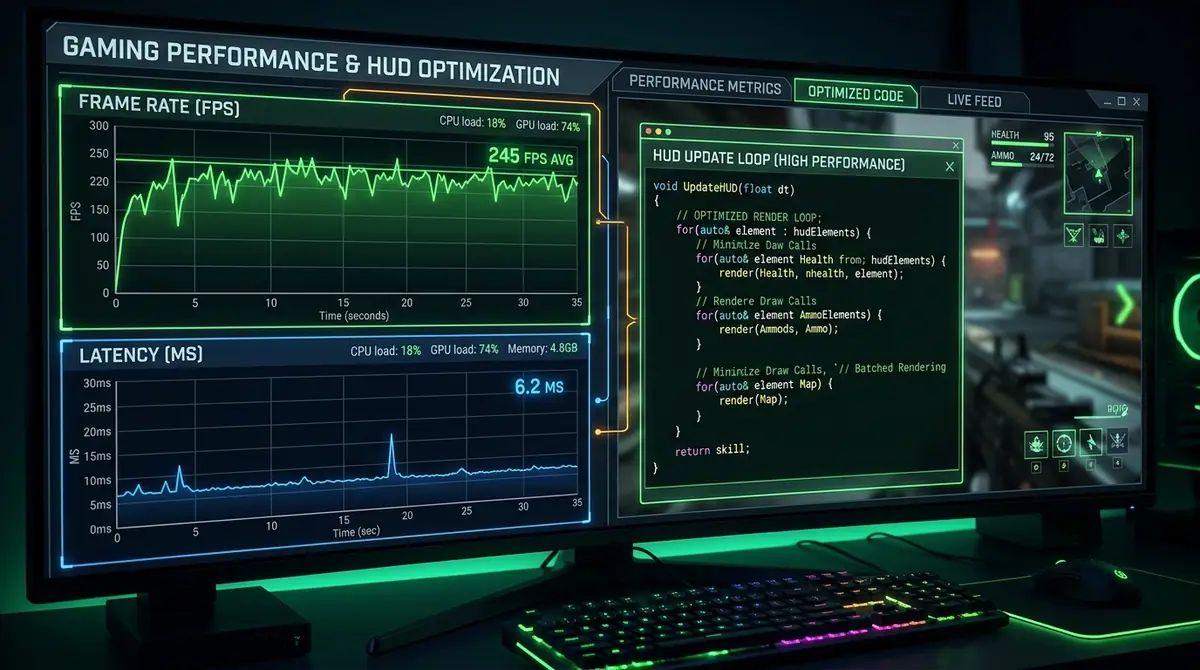
A HUD runs for the entire session, so small design decisions repeat thousands of times. The goal is not to avoid all updates. The goal is to update the right data at the right frequency and avoid work that cannot change the result.
Start with the cost model
Separate the HUD into:
- game natives and data reads;
- Lua payload creation;
- messages crossing into the browser;
- React rendering and layout;
- optional server requests or database writes.
A slow HUD may be spending time in any one of those layers. Measuring only one number from a screenshot is not enough to explain performance.
Use Wait deliberately
Cfx.re's Lua documentation explains that Wait(0) resumes on the next game tick and that a loop without a wait can freeze the client. Use a per-frame loop only when the feature truly needs per-frame input or visual synchronisation.
For a HUD, contextual intervals are usually better:
CreateThread(function()
    while true do
        local wait = 500

        if ZlomaHud.running and ZlomaHud.visible then
            sendPlayerPayloadIfChanged()
            wait = 500

            if cache.vehicle then
                sendVehiclePayloadIfChanged()
                wait = 100
            end
        end

        Wait(wait)
    end
end)
The numbers are examples, not a universal prescription. Test the result with your actual UI and player count.
Do not send unchanged data
If health, job, time and street are unchanged, the browser does not need the same JSON again. Keep the previous payload and compare the next one before calling SendNUIMessage.
This also reduces React work. Fewer messages mean fewer state merges, fewer renders and less layout calculation in the embedded browser.
For highly dynamic values such as speed or RPM, update while the vehicle HUD is active. When the player exits the vehicle, stop the fast path and send a single hidden state.
Split static, dynamic and event-driven values
Not all values need the same loop:
- static configuration can be sent once at resource start;
- player status can use a moderate interval;
- vehicle data can use a faster contextual interval;
- voice/radio state can update from provider events;
- ping can be requested at a much slower, rate-limited interval.
This approach is easier to debug than one “everything” loop running at the fastest required rate.
Cache carefully
Caching a native or framework lookup can reduce repeated work, but stale data is worse than a small amount of extra work. Cache values that change infrequently and invalidate them on player load, job change, vehicle change or another known event.
Do not cache sensitive authority in the client. Caching a display label is fine. Caching “this player is an admin” and trusting it for an admin action is not.
Use state bags with their limitations in mind
State bags are useful for replicated player and entity metadata. Cfx.re notes that state getters and setters serialise the state bag, so repeatedly reading or writing deeply nested data can be inefficient. Prefer granular keys for values that change independently and avoid writing the same value continuously.
Use the state model that matches your data. A state bag is not a replacement for server validation or a database transaction.
Optimize the browser too
FiveM NUI uses Chromium. Browser-side costs include React renders, CSS layout, image decoding and animation. Keep components modular, but do not recreate large trees for a single number. Use stable keys, avoid unnecessary effects and turn off expensive visual effects when they do not improve readability.
Test reduced-motion behaviour and lower-end hardware. A HUD that is fast on the developer's machine may still stutter on a player's laptop.
Test idle and active states separately
Record at least these states:
- player loaded and HUD visible on foot;
- settings closed with no interaction;
- vehicle HUD active while driving;
- radio or voice indicator active;
- settings/layout editor open;
- resource restart and player unload.
Capture what changed between tests. A meaningful report says which state was tested, on what hardware/build, with which dependencies and which resource version. Avoid absolute “zero impact” marketing unless the test method supports it.
How Zloma HUD applies these principles
Zloma HUD uses contextual update rates for player and vehicle information, tracks payload changes before sending NUI messages, and hides vehicle-specific UI when it is not relevant. Its layout editor also stores positions in a resolution-aware design space so visual scaling does not require a new configuration for every monitor.
Those choices do not eliminate every performance variable—frameworks, inventories, voice resources and player hardware still matter—but they make the resource's own work easier to reason about. See the Zloma Scripts catalogue for the current product details.
Final takeaway
Performance is a system property, not a badge. Use the slowest practical loop, skip unchanged messages, stop contextual work when it is inactive, and publish measurements with enough context for another developer to reproduce them.
Keep learning
FiveM HUD Guide: What Matters for a Modern Roleplay Server
Learn which FiveM HUD features matter, how to avoid clutter and performance problems, and what to check before choosing a HUD for your roleplay server.
FiveM DevelopmentHow to Build a FiveM NUI HUD with Lua and React
Learn the core architecture behind a FiveM NUI HUD: fxmanifest setup, Lua-to-browser messages, NUI callbacks, responsive layout and practical debugging.
Framework IntegrationESX, QBCore, Qbox or Standalone: Choosing a FiveM HUD Setup
Compare ESX, QBCore, Qbox and standalone HUD integrations, understand dependency boundaries, and install a FiveM HUD without guessing at framework data.
Build a better server experience
Need a production-ready FiveM resource?
Explore Zloma Scripts for practical resources with clean interfaces, framework compatibility, and documentation you can actually use.
Browse Zloma Scripts