How to Start a FiveM Server with txAdmin: A Practical Setup Guide
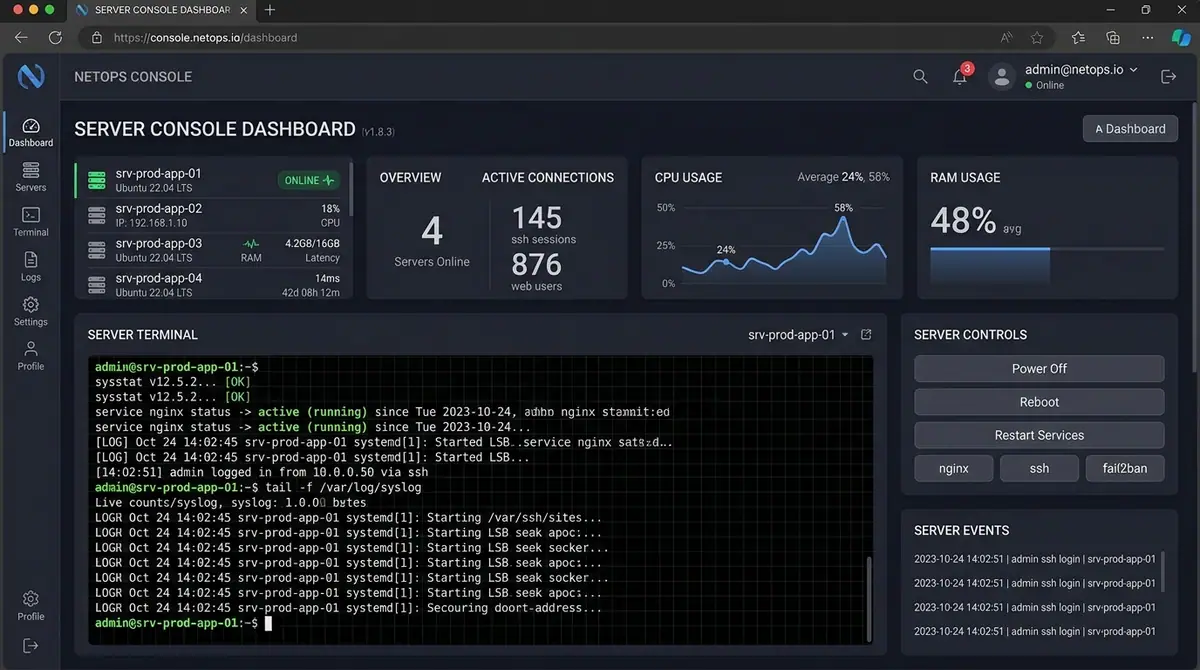
Starting a FiveM server is not just a matter of downloading a framework and adding a long list of resources. A stable server starts with a known recipe, a clear dependency order, a working database plan, and a test loop you can repeat after every change.
This guide focuses on a clean first setup with txAdmin. It is intentionally conservative: exact hosting requirements depend on player count, scripts, database load and assets, so there is no universal “four cores and eight gigabytes” answer.
1. Download a recommended server build
Use the official Cfx.re server download and follow the platform-specific instructions. On Windows, extract the server archive to a dedicated folder and start FXServer. On Linux, use the matching artifact and keep the server files separate from your personal project files.
The first goal is not to install every script. It is to confirm that the server can start, txAdmin opens, and the server can be linked to your Cfx account.
2. Complete the txAdmin first-run flow
The official flow asks you to:
- open the txAdmin panel;
- link your Cfx account;
- create the admin password;
- name the server;
- choose a recipe;
- review the deployment steps;
- provide the server license key;
- save and run the server.
For a first test, the CFX Default FiveM template is a sensible baseline. Framework recipes may require a database and additional configuration. Read the recipe description before deploying it instead of assuming that every recipe has the same dependencies.
3. Understand what a recipe does
An txAdmin recipe is a YAML deployment description. It can download resources, create directories, write configuration files, connect to a database and run SQL tasks. That makes recipes convenient, but it also means you should know where the files came from and who maintains the recipe.
Record the recipe version, author and source URL. If a recipe downloads a branch instead of a pinned release or commit, updates can change behaviour later. For production, reproducibility matters more than the shortest initial setup.
4. Choose the framework deliberately
ESX Legacy, QBCore and Qbox are not interchangeable data sources. They expose different player data, account structures, job formats and event conventions. A standalone server avoids a framework dependency but also does not automatically provide framework-managed needs, money or jobs.
Make a small compatibility note before installing scripts:
| Decision | Question to answer |
|---|---|
| Framework | Which player and job API will resources use? |
| Database | Which resource owns the schema and connection? |
| Inventory | Which item API will scripts call? |
| Voice | Is pma-voice, SaltyChat or another provider installed? |
| Fuel | Which resource or native value is authoritative? |
| Permissions | Are admin actions controlled by ACE or framework groups? |
This prevents the common failure mode where several resources are individually valid but expect different owners for the same data.
5. Add resources in dependency order
Every resource should have a clear folder and an fxmanifest.lua. Start dependencies before the resource that consumes them. For example, a resource using ox_lib must not start before ox_lib. A resource with a database dependency must not assume the database is ready because the folder happens to appear first alphabetically.
Use a small, readable server.cfg during development:
ensure ox_lib
ensure oxmysql
ensure your_framework
ensure your_inventory
ensure your_voice
ensure your_hud
The exact list depends on your stack. Follow each resource's documentation and keep the initial server small enough that a startup error points to one likely cause.
6. Test one layer at a time
After the base server starts, test in this order:
- connect and confirm the player loads;
- confirm the framework returns player data;
- confirm the database connection and required tables;
- confirm the inventory and voice resources;
- add one gameplay resource;
- restart and test again;
- only then add the next resource.
When something breaks, capture the server console, client F8 output, resource name and the exact startup order. “It does not work” is difficult to diagnose; “NUI loads, but the callback times out after pressing Save” points to a much narrower layer.
7. Install a HUD responsibly
A HUD reads data from the client and framework, but a display is not an authority. It can show money, job, stress or permissions, yet any action that changes state must be validated server-side. Cfx.re's security guidance recommends checking values such as money, inventory, position and permissions on the server rather than trusting client arguments. Read Secure Your Events.
For a production HUD, verify:
- supported frameworks;
- required dependencies;
- vehicle and fuel integrations;
- voice/radio provider;
- standalone behaviour;
- configuration and reset options;
- update and support process.
Zloma HUD is designed for this multi-resource environment, with configuration for ESX, QBCore, Qbox and standalone use cases plus optional integrations. Check the Zloma Scripts catalogue for the current product requirements before installing.
Troubleshooting checklist
The server does not start: check the first error, not the final cascade of errors. A missing dependency often causes several later failures.
The player loads but the HUD is empty: confirm the framework resource is started, the player-loaded event is firing, and the HUD is configured for the detected framework.
The NUI is blank: check the resource name, ui_page path, files entries and client F8 console. Cfx.re requires NUI assets to be included in the resource packfile.
A callback hangs: return a callback response on every code path. The official NUI callback docs note that failing to call the callback causes the browser request to time out.
Final takeaway
Use txAdmin to create a repeatable baseline, keep dependencies explicit, add resources gradually, and verify every framework integration. The fastest server to launch is not always the fastest server to maintain. A clean foundation makes every later script easier to debug.
Keep learning
ESX, QBCore, Qbox or Standalone: Choosing a FiveM HUD Setup
Compare ESX, QBCore, Qbox and standalone HUD integrations, understand dependency boundaries, and install a FiveM HUD without guessing at framework data.
Server ArchitecturePremade vs. Clean FiveM Server Base: Which Is Better?
Compare a premade FiveM server package with a clean base. Learn how to evaluate dependencies, licensing, performance, security and long-term maintenance before you buy.
FiveM ResourcesWhat Makes a Legit FiveM Script Store? A Buyer’s Checklist
Learn how to evaluate a FiveM script store for licensing, documentation, compatibility, security, support and long-term maintenance before you buy.
Build a better server experience
Need a production-ready FiveM resource?
Explore Zloma Scripts for practical resources with clean interfaces, framework compatibility, and documentation you can actually use.
Browse Zloma Scripts